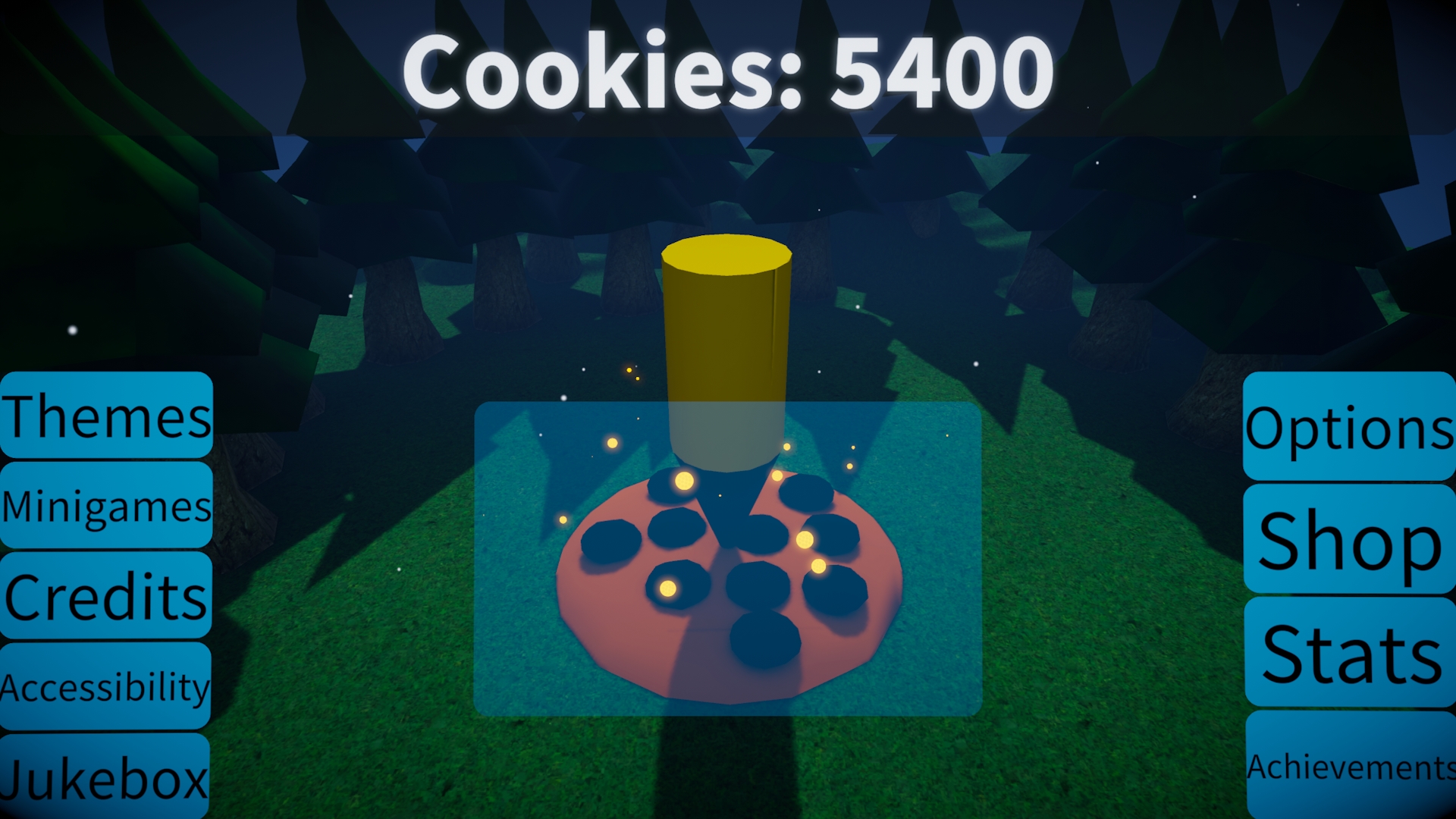
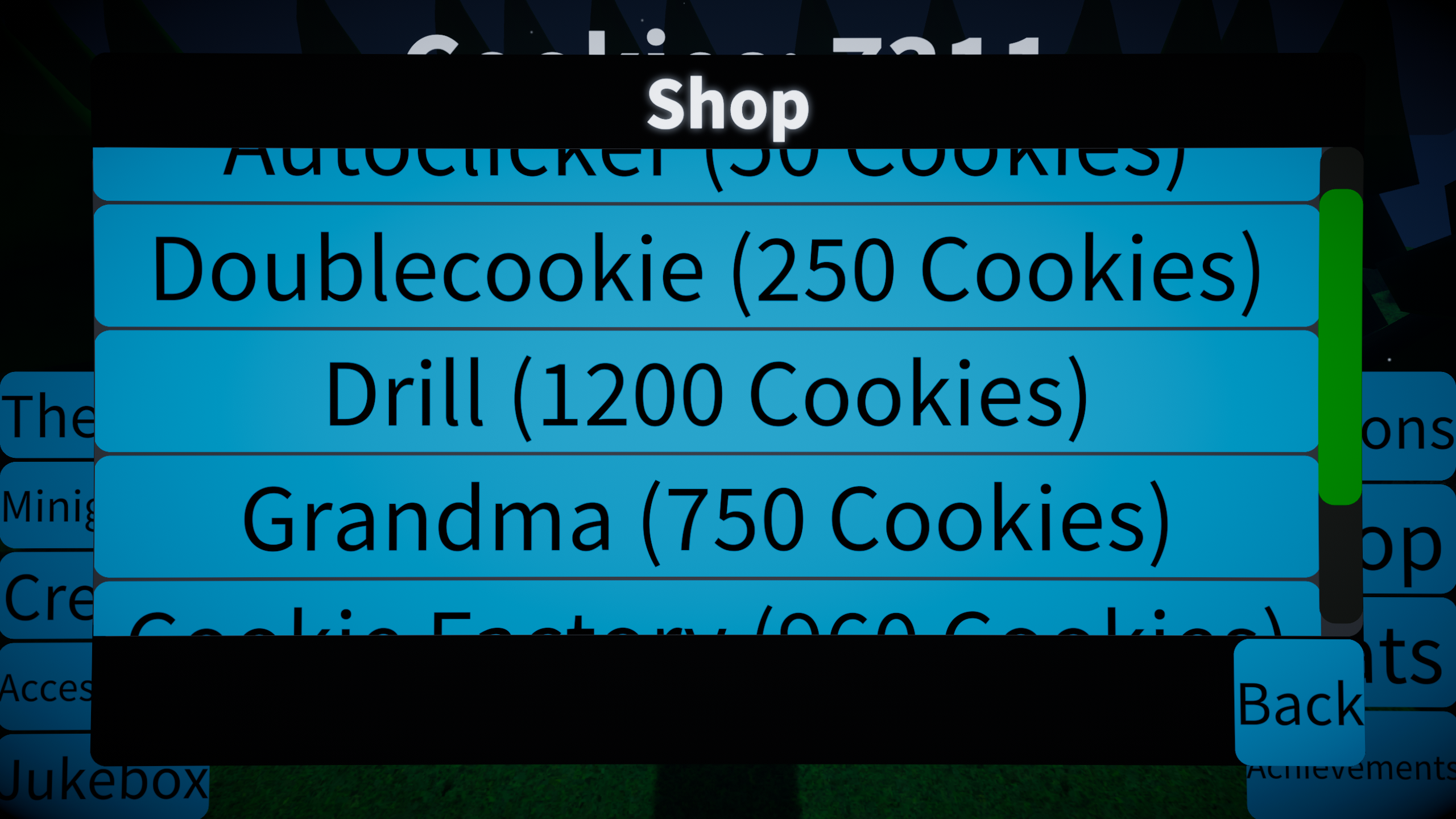
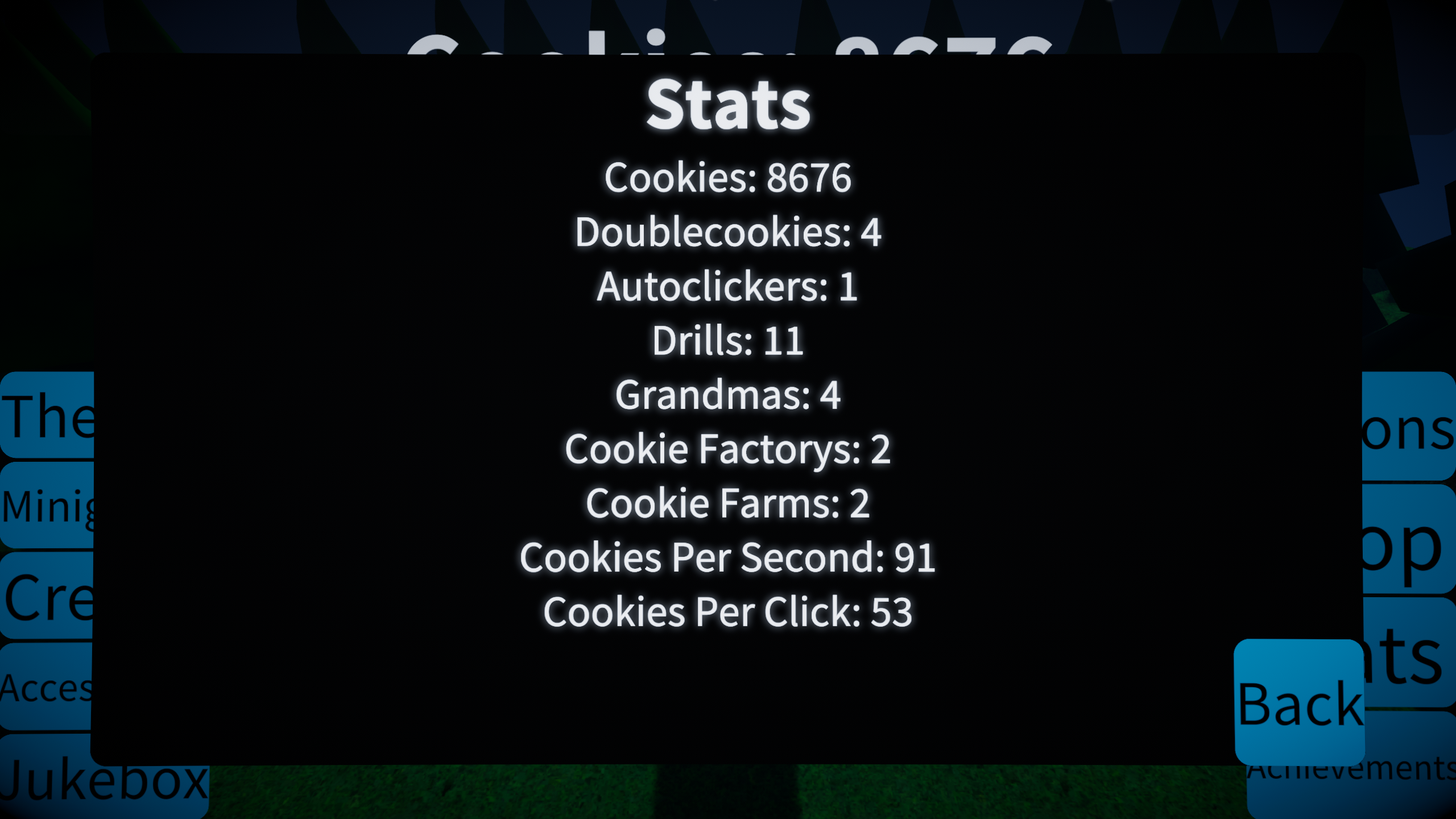
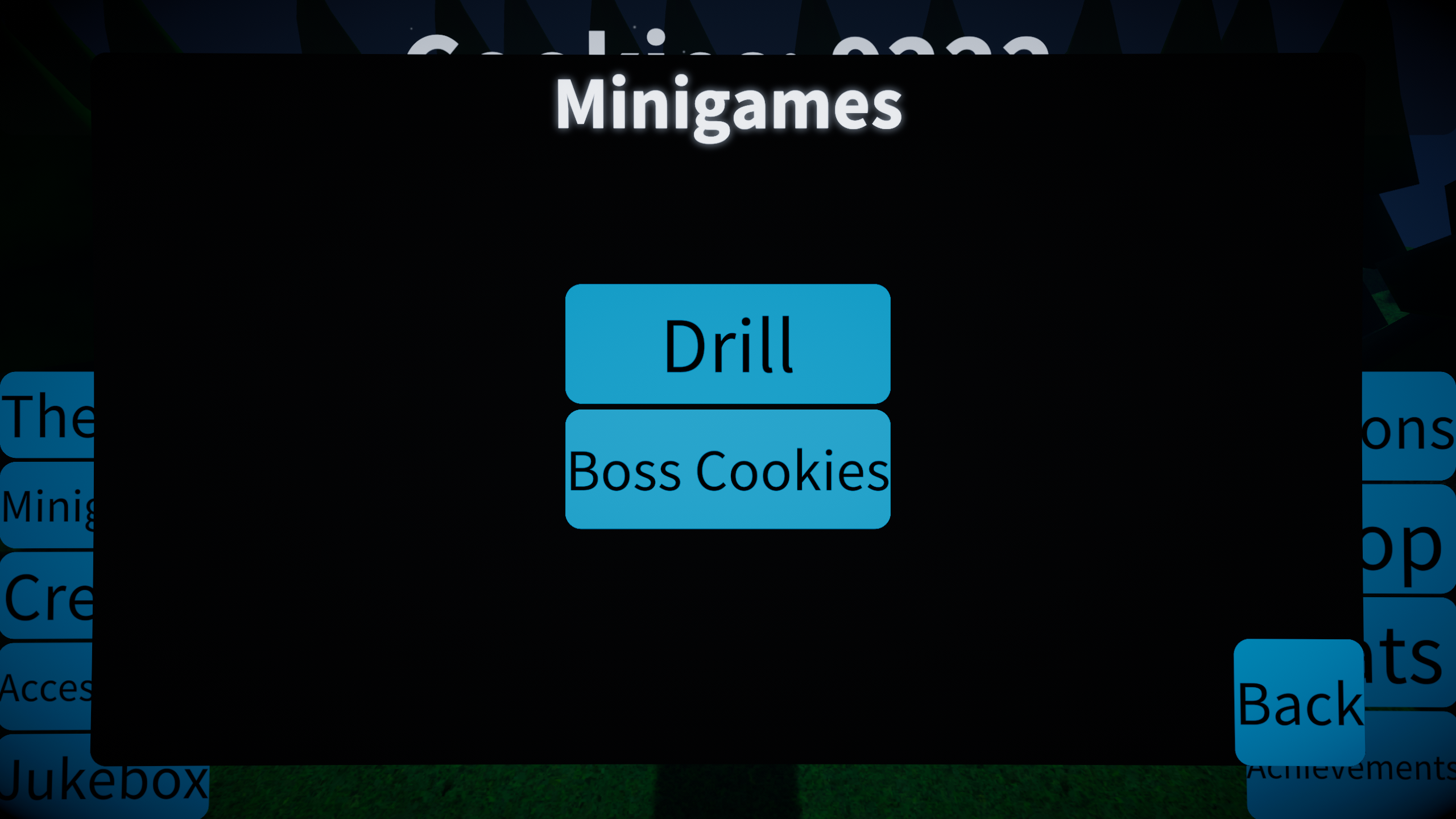
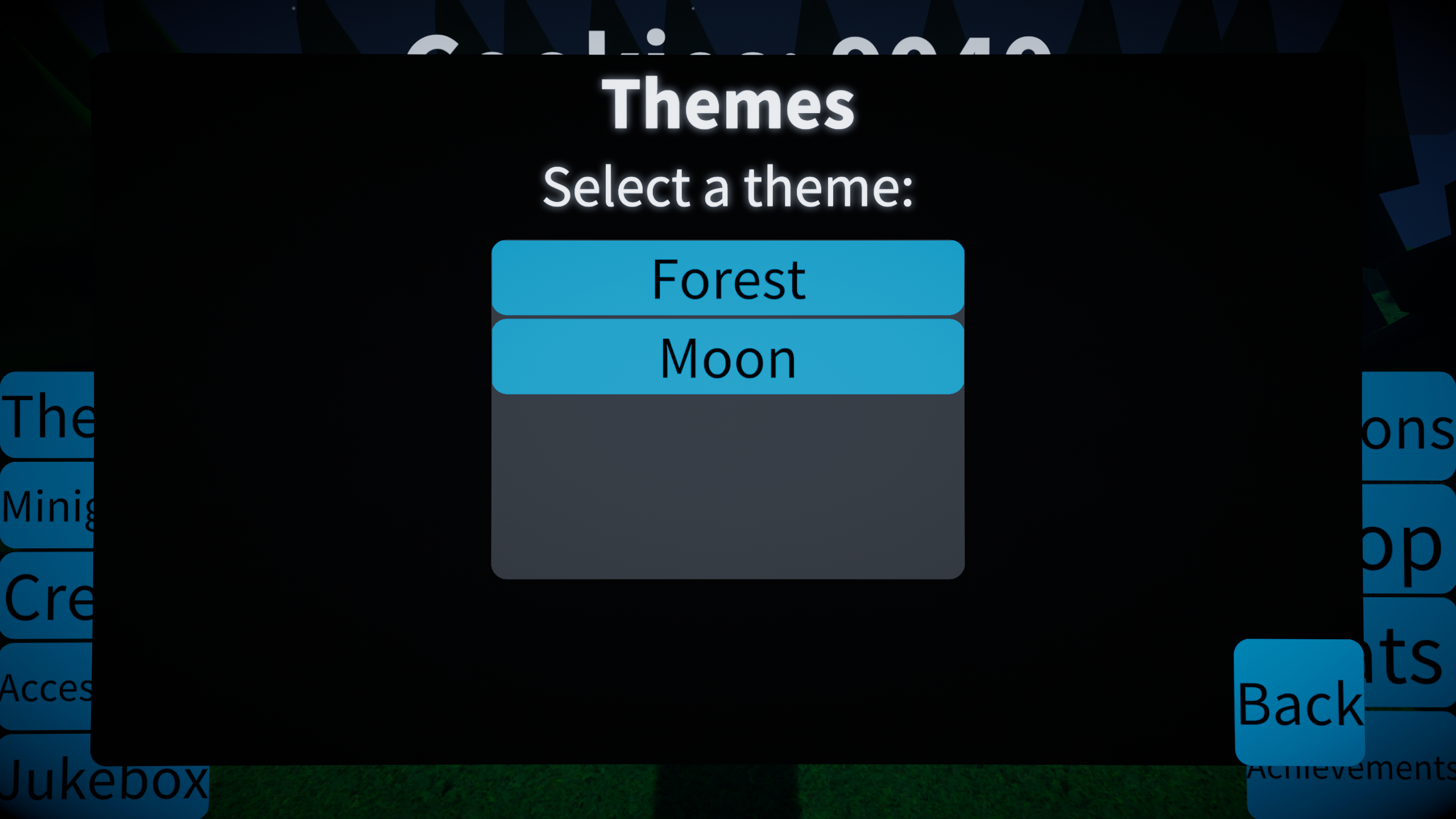
cookieclicker2.mp4
the sequel to cookieclicker.mp4
Standalone WebGL version here
Download
Install instructions
Windows
Download the correct zip file based on your CPU type
64 bit: cookieclicker2mp4-win-64.zip
32 bit: cookieclicker2mp4-win-32.zip
ARM64: cookieclicker2mp4-win-arm64.zip
Run Cookieclicker2.mp4.exe
Linux
Download cookieclicker2mp4-linux-64.zip and extract it to a folder.
Make Cookieclicker2.mp4.x86_64 executable by either:
Terminal: Open a terminal in the folder and type
chmod +x ./Cookieclicker2.mp4.x86_64
GUI (GNOME): Open the folder and right click on Cookieclicker2.mp4.x86_64 then go to the permissions tab and check 'Allow executing file as program'
Now either double click Cookieclicker2.mp4.x86_64 or type
./Cookieclicker2.mp4.x86_64
in the terminal.
macOS
Either use the itch.io app or follow the steps
Download cookieclicker2mp4-mac-universal.zip and extract it to a folder.
Move the .app into Applications
Right click on Cookieclicker2.mp4.app and press 'Open' and ignore all of the warnings Apple gives you
System requirements
Windows
OS: Windows 10 21H1 (build 19043) or newer
CPU: x86, x64, or ARM64 CPU
GPU: Any GPU that supports DX11 or DX12
macOS:
OS: Big Sur 11.0+
CPU: Apple Silicon or Intel x64 CPU
GPU: Any GPU that supports Metal
Linux:
OS: Ubuntu 22.04, Ubuntu 24.04 (other distros are also supported)
CPU: x64 CPU
GPU: Any GPU that supports Vulkan
Development log